


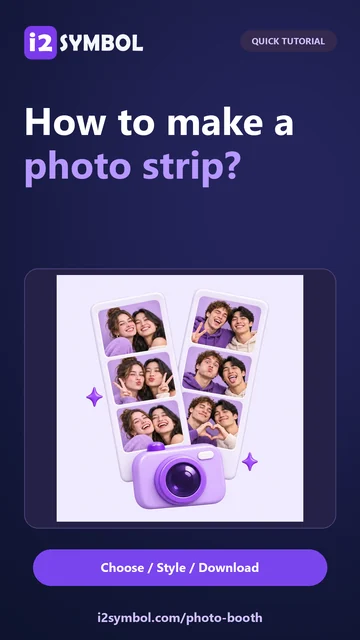
Start with a moment you love
Use pictures from your device or take new ones in the browser. A sample set helps you try the design before choosing your own photos.
Upload, replace and arrange photos
Add photos accepts PNG, JPG and still WebP images. You can select more than one image to fill the photo positions. The four thumbnails below the preview show which pictures are in the project; select one before changing its framing.
Move photo earlier and Move photo later reorder the selected picture. Replace selected photo keeps that position ready for a different image. Remove selected photo clears it. The tool has four photo slots; pictures outside a shorter layout remain available when you choose a layout with more positions.