


Add Text to Image
3,405 postcardsPut a name, a message or a favorite photo into a thoughtful greeting. Find a design for love, birthdays and everyday moments.
Designs
Create images, animated GIFs, quotes, memes, comics, cover photos and profile pictures. Start with a template or open a maker.
Find a starting point
Choose what you want to create, then make it your own with words, photos and colors.
Put a name, a message or a favorite photo into a thoughtful greeting. Find a design for love, birthdays and everyday moments.

Add your words to a moving greeting. Personalize an animated template or bring your own GIF and keep its motion.

Give a poem or favorite saying an elegant design. Personalize original quote styles and Arabic quote cards with your words, fonts and colors.
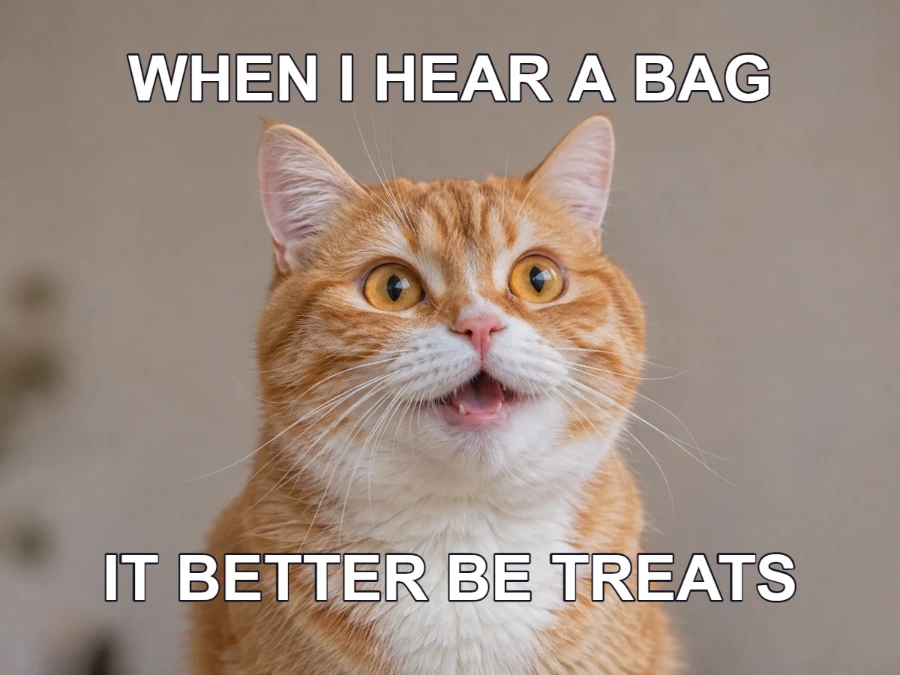
Make the picture part of the punchline. Try six original layouts, replace one or two photos and edit captions directly on the canvas.
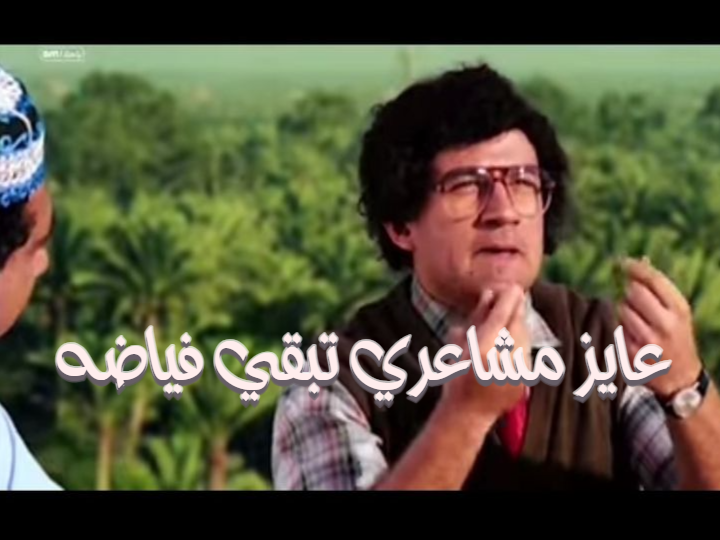
Give a familiar scene your own punchline. Explore Arabic comic templates and change their captions in the editor.

Create a wide cover image with your own photos, words and colors. Browse an existing cover design or start a new one.

Turn a photo, initials or an avatar into a profile picture. Choose a style, adjust the colors and download your finished image.
From a thought to a keepsake
Start with a ready-made design or a blank canvas. Your message is what makes it different.
Choose an image, GIF, quote, meme, comic, cover or profile picture tool. Browse its templates or styles for a starting point.
Edit text in English or Arabic. Choose fonts and colors, then add pictures, shapes or stickers.
Download your image or animated GIF. Save an editable project to return to it later.
Choose an editable template or start a blank design, then use the shared canvas editor to change text, pictures and shapes.
 QUICK TUTORIALHow to start a design?Choose the right canvas for your next idea. Open a template, then personalize its text.English narration · English captions · 21 secondsWatch tutorial
A template supplies an arrangement; a new design gives you a fresh starting point.
Explore templates opens a collection for the design type. Select a preview to edit its individual words and objects. Create new or Start a design opens the relevant editor, such as an image, GIF, quote, comic, meme or cover.
The editor’s Templates panel shows eight previews at a time. Choosing another template replaces the current scene; Undo restores the previous design.
Download and Save project serve different purposes.
Download produces a PNG, JPG or WebP image; an animated design can also produce GIF. The finished image combines visible objects and is ready to share.
Save project stores editable objects in this browser. Project > Download project file gives a separate backup you can reopen. Saving a favorite template stores its shortcut, not your edits.
Local images and project files are edited in your browser. Public templates, fonts and artwork still load over the network; i2Clipart searches contact that service.