Pick the right mode and template
Open the maker and choose Logo or Crew emblem. Each mode offers eight templates with different arrangements. Compare the structure before spending time on small color adjustments.
Enter a name, tagline and monogram. The limits are 36, 60 and four counted characters respectively. A short monogram is especially useful inside a compact badge. Changing a template preserves these identity fields and your colors while applying the new structural settings.
Choose a symbol and readable lettering
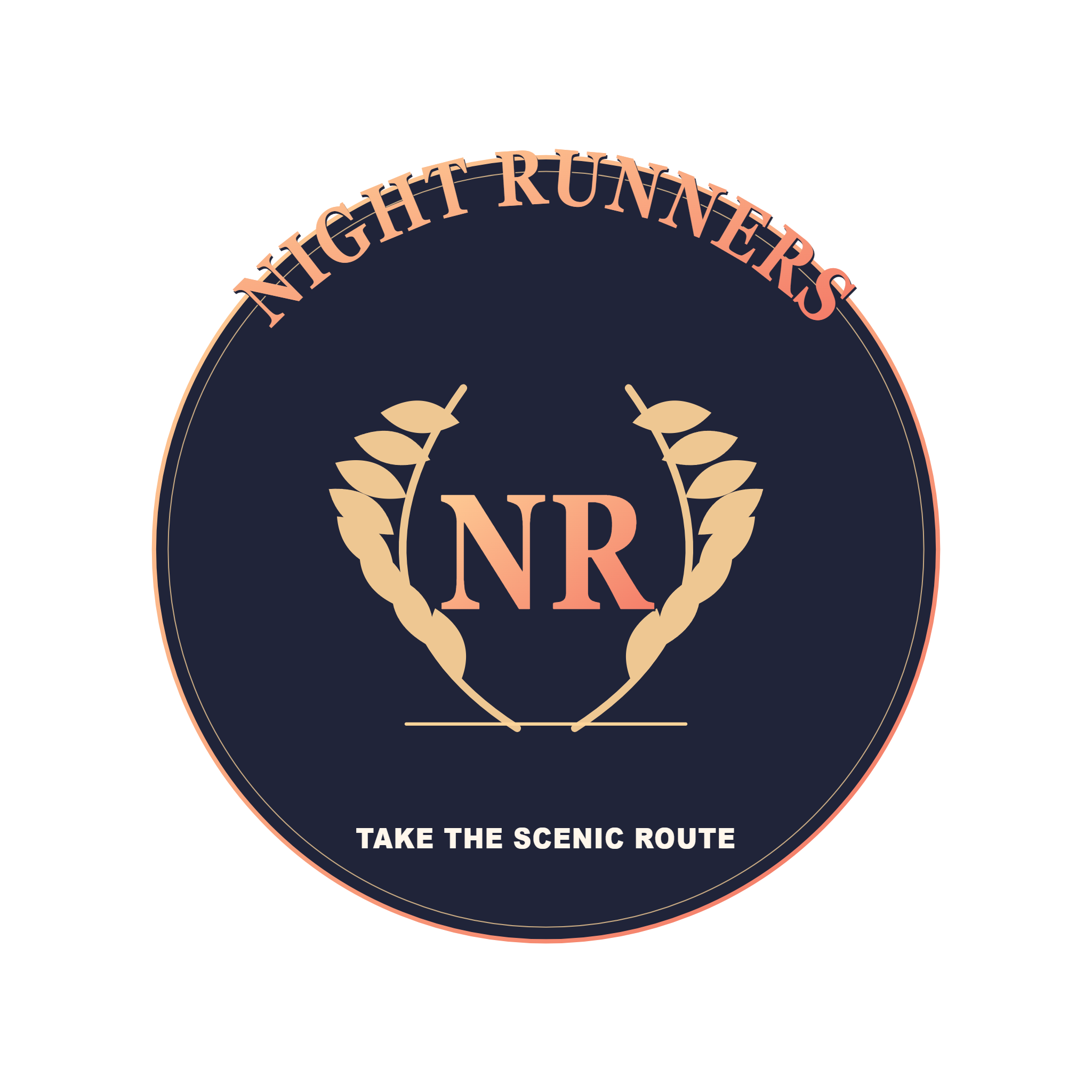
Select a drawn symbol such as a palm, star, bolt or crown, or use the monogram option. The symbol is editable in both modes. Crew emblems also offer shape, border, curved lettering and ribbon controls.
Try the built-in condensed, sans or serif lettering, then adjust spacing and text size. Optional system-font access can list fonts installed on your computer after you grant permission. An SVG recipient needs the chosen font to reproduce its text exactly; a PNG preserves the rendered appearance.
Refine color and depth at the actual size
Start from a palette, then adjust the primary, secondary, ink and text colors. Compare a gradient with a single-color treatment. For a wide logo, outline and depth add definition; for an emblem, the border and ribbon can separate the wording from the central symbol.
Switch the preview between grid, light and dark backgrounds to check contrast. Those preview surfaces are not included in the transparent export. Look at the design at a smaller size too: thin details and a long tagline can become difficult to read as an avatar.
Export the artwork or use it in a profile
Download PNG for an image that looks the same without requiring the font on the receiving device. PNG exports use a 2048-pixel longest side. Download SVG when you want scalable artwork with editable text.
Use in Profile Kit saves the design locally and opens the profile workflow so the same emblem can appear in a coordinated set. Download your own copy as well. Reset design restores the selected template’s structural settings while keeping the identity text and colors.
Small choices that help
Test a short tagline
A compact badge has limited space. Move a longer community description into the profile bio and let the emblem carry the name.
Use contrast before adding effects
A clear difference between lettering and its background often helps more than extra outline or depth. Check both light and dark preview surfaces.
Useful questions
Can I export with a transparent background?
Yes. The logo and emblem exports are transparent; the grid, light and dark preview backgrounds are only viewing aids.
Which file should I send to someone who lacks my font?
Use PNG for a fixed visual result. SVG text remains editable and can fall back to another font if the selected family is unavailable.
Are these official GTA 6 logos?
No. The templates are original fan-themed designs. They are intended for your own names, crews and community identities.