Set the shared name and introduction
Open Profile Kit in the Profile workspace. Enter a name and a short bio, or start with text carried over from the GTA 6 Name & Bio Generator. The same identity feeds every profile format.
A short name gives the artwork room to breathe. Longer text is fitted to the available area and may be shortened visually with an ellipsis. The full name and bio remain in the text file included with the downloaded kit.
Pair a design with a background
Choose a design to change the composition, then compare backgrounds separately. These controls serve different purposes: the design arranges the portrait and text, while the background supplies the setting.
Try a stock coastal, city or night scene, an illustrated background, a solid color or your own image. Use the zoom, position and dimming controls to keep the important subject visible and the lettering readable. Accent palettes adjust the layout colors without recoloring an uploaded photograph.
Add a photo or saved emblem
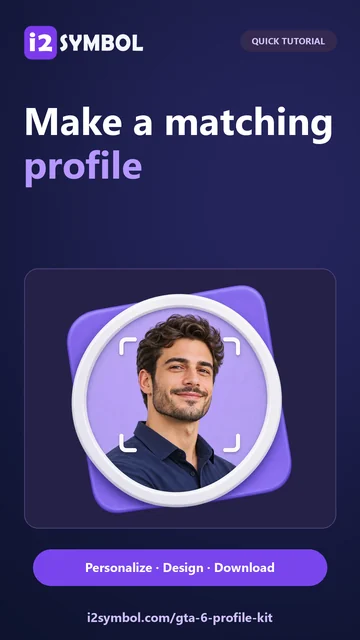
A local JPG, PNG or WebP can replace the initials portrait. Reposition and scale it in the preview, then check that the face or emblem remains clear in the circular and rectangular compositions.
If you have created a design in GTA 6 Logo & Crew Emblem Maker, use the saved logo option to bring it into the kit. Keep a downloaded copy of any important emblem. Browser storage is convenient for a handoff, but it is not a permanent backup.
Check and download the coordinated set
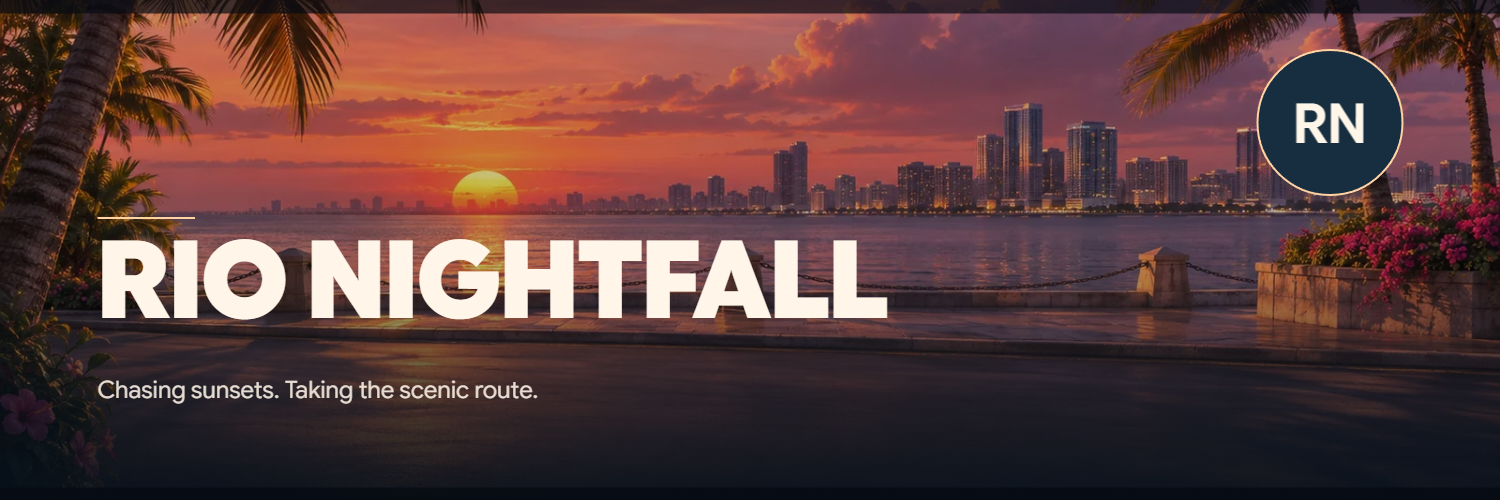
Use the direct Avatar, Banner and Title card buttons to review each composition. The export sizes are 1024 × 1024, 1500 × 500 and 1600 × 900 pixels respectively. Check the wide banner carefully because it gives a portrait and long bio less vertical room.
Download the selected PNG when you need one image, or choose Download full kit for a ZIP containing the avatar, banner, title card and profile text. This ZIP contains the three profile images; wallpapers are downloaded individually from their own workspace.
Small choices that help
Let one element lead
A detailed background, decorative emblem and long introduction can compete. Shorten the bio or choose a quieter composition when the preview feels busy.
Check the destination crop
A social platform may crop an uploaded banner or avatar again. Inspect its own preview before saving the public profile.
Useful questions
Will my uploaded photo be available after reloading?
Uploaded photos and custom backgrounds stay in the current tab and must be selected again after a reload. Text and editor settings can be remembered locally.
Can I make all three images with the same emblem?
Yes. Add a local image or a saved design from Logo & Crew Emblem Maker, then inspect its placement in each profile format.
Does the full-kit ZIP include wallpapers?
No. It contains avatar.png, banner.png, title-card.png and profile.txt. Phone and desktop wallpapers have their own PNG downloads.