Choose a style for the passage
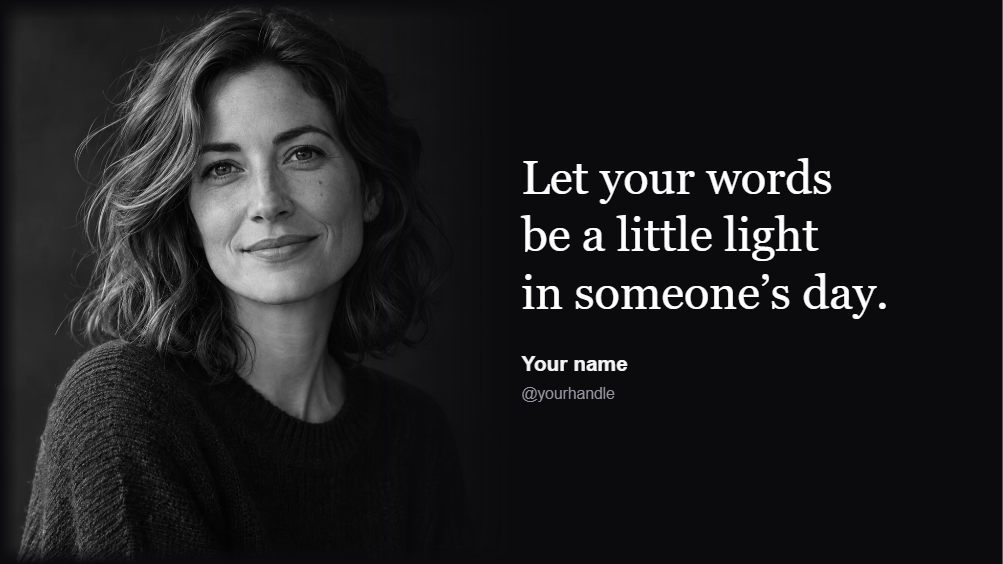
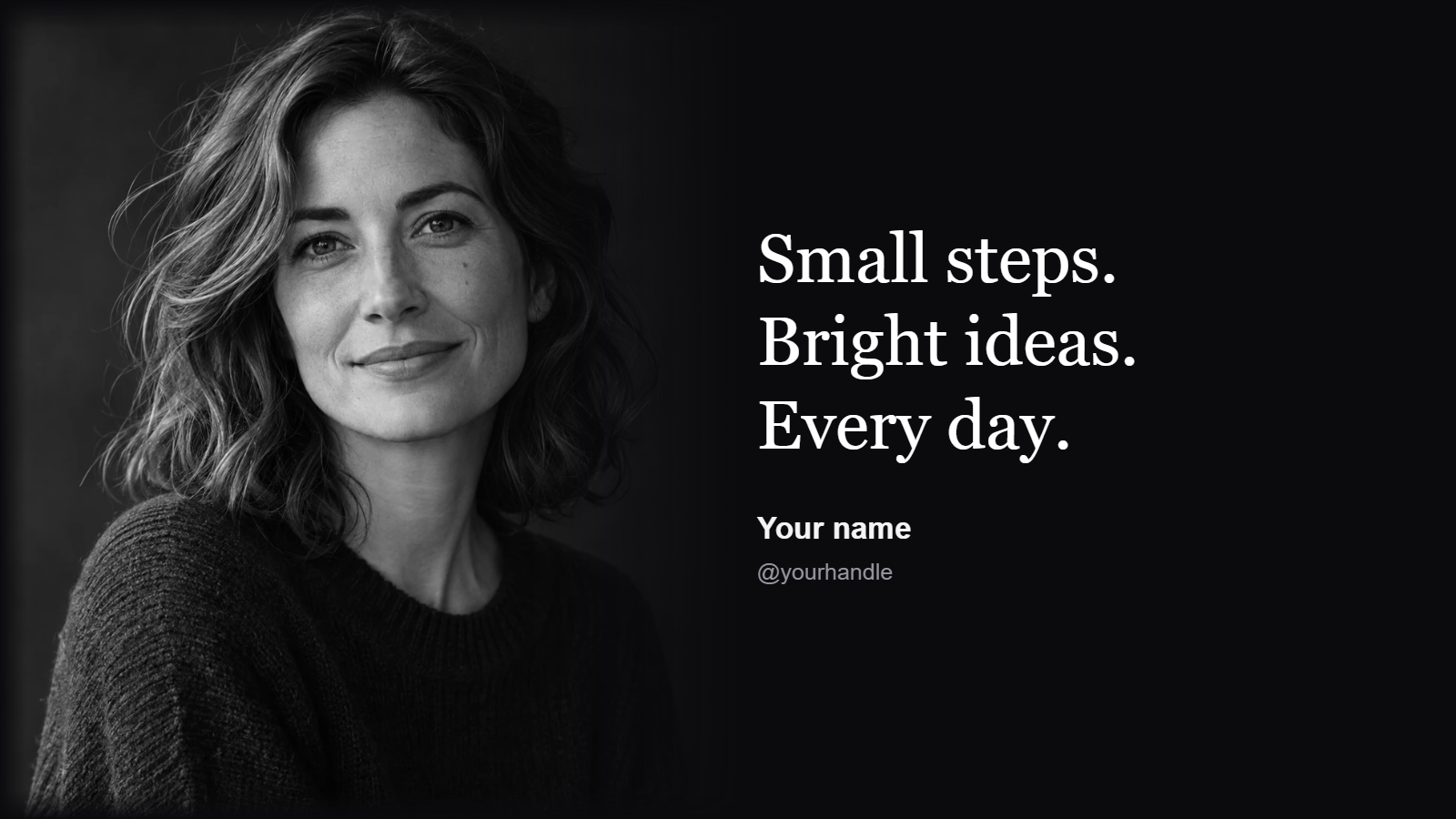
Open Quote Maker and browse Templates. Styles include Literary, Midnight Gold, Wildflower, Poetry Notebook and Photo Quote, followed by the original collection.
Choose a design with room for the text you actually want to use. A few lines can work on a small card; a longer poem may need a taller format or a shorter excerpt.
Replace the quote and attribution
Double-click the quotation and enter your words. Edit the author or attribution separately, then choose Done after each text change.
Preserve intentional line breaks in a poem. Check the wording and attribution against your source; decorative design does not make an inaccurate quotation correct.
Adapt the format and typography
Choose Square, Portrait, Story, Landscape or Link to suit the planned placement. Review the arrangement after changing format instead of assuming every line will fit unchanged.
Use Font for size, alignment, direction and line spacing. Appearance controls color and supported effects. In Photo Quote, replace the portrait and check that the picture and text remain clearly separated.
Export and save a project copy
Choose the image format in Settings and Download. Inspect the final image at normal size, checking the smallest attribution text as well as the main passage.
Use Save for a browser copy and Download project for a separate editable backup. This makes it easier to prepare a second size without recreating every text object.
Small choices that help
Respect the length of the passage
Do not reduce a long poem until it becomes unreadable just to fit a small card.
Verify the attribution
Use your own words or check the quoted wording and author before publishing the graphic.
Useful questions
Can I write an Arabic quote?
Yes. Text remains editable, and Font includes direction and alignment controls. Check mixed Arabic and Latin text together.
Are the decorations editable?
The original curated quote styles use separate text and shape objects. Select the object you want to change, or find a covered item through Objects.
Does changing format require a new page?
No. The format controls adapt the current quote in the editor. Review the layout and use Undo if you prefer the previous arrangement.