Choose a suitable postcard
Open the postcard templates and choose an occasion or style. Select a preview to open its editable design. The editor Templates panel provides more starting points, eight at a time.
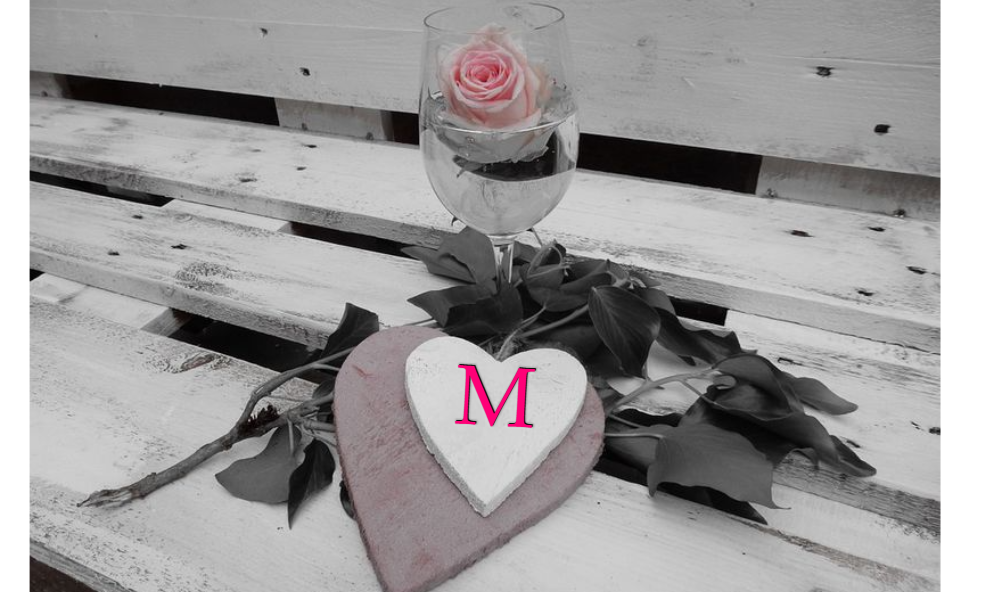
Choose a card with enough space for the message you need. A short name can fit where a long sentence cannot, even when both use the same typeface.
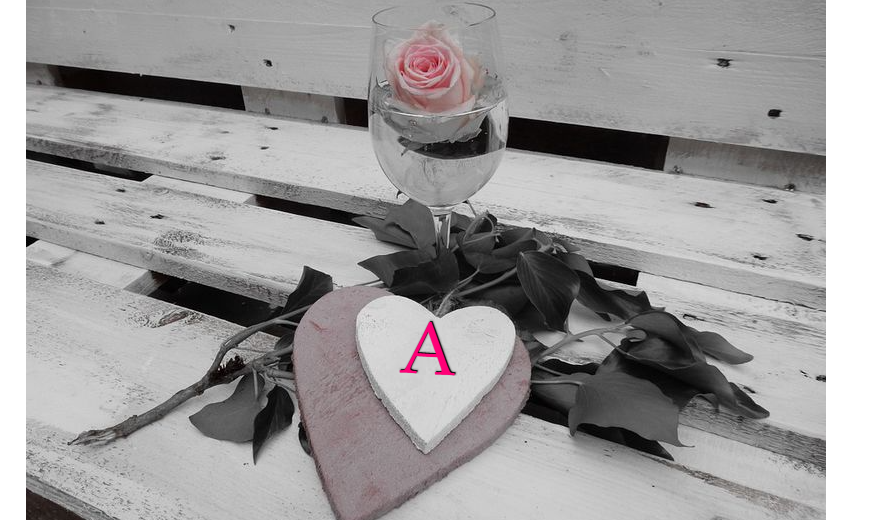
Replace the existing greeting
Double-click the text you want to change, enter the new name or greeting, and choose Done. Select the object first if several pieces overlap.
Keep a copy of any message you want to reuse before choosing a different template. Applying another template replaces the current composition; Undo can restore it during the session.
Refine the typography and position
Use Font to adjust size, alignment and direction. Appearance changes the lettering color and outline, while the canvas handles let you move, resize and rotate the object.
Check that the new words do not cover an important part of the artwork. For a longer greeting, reduce the size or use intentional line breaks rather than squeezing every word onto one line.
Save the card and its project
Choose an image format in Settings, then Download. PNG is useful for crisp lettering and transparent areas; choose another supported format when it suits the destination.
Save keeps an editable browser copy. Download project creates a separate backup, which is especially useful for a greeting you want to personalize again later.
Small choices that help
Edit the existing text object
Replacing the original caption avoids accidentally leaving old words underneath a new message.
Check names carefully
A final spelling review matters more than adding another decorative element.
Useful questions
Can I change the original template wording?
Yes. Text objects stay editable; double-click the words and finish with Done.
Does the template star save my edits?
No. A template favorite saves a shortcut to the public design. Use Save or Download project for your edited version.
Can I continue editing after downloading PNG?
Use the saved project or project file for editable objects. The PNG is a flattened finished image.