Write a compact message
Open Text to Image and enter a name, greeting or short quote. Add line breaks where you want the message to pause rather than relying on an accidental wrap.
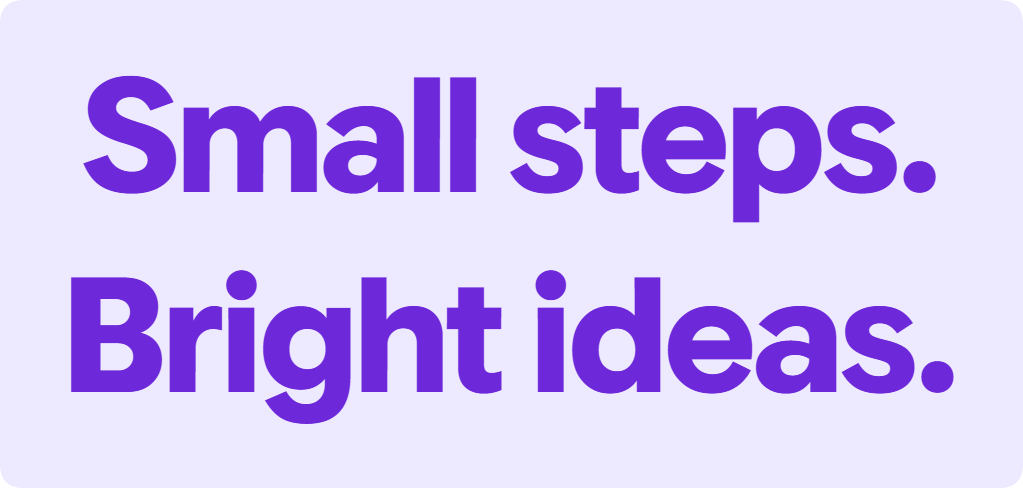
Use two short lines for the first design. This leaves room to compare type size, alignment and the relationship between the lines.
Choose the typography
Try an included font style and adjust size, weight and alignment. Use the direction controls when the writing needs left-to-right, right-to-left or automatic handling.
Load system fonts can add fonts installed on your device when the browser supports the feature and you grant access. Included choices remain available if permission is declined.
Set the canvas and background
Choose a canvas size and give the words enough padding. A solid color, gradient or transparent background changes how the finished graphic will sit beside other content.
Review spacing and contrast at the size people will actually see. A decorative font can look attractive when enlarged but lose detail in a small social preview.
Export and inspect the file
Choose PNG, JPG or WebP and 1x or 2x resolution, then download. Use a transparency-capable format when the background must remain transparent.
Open the file and check every line. A saved design that uses a system font may need that font loaded again when you reopen it; the exported image already contains the rendered appearance.
Small choices that help
Break lines intentionally
Place a line break at a natural phrase boundary, then adjust the size to suit the canvas.
Keep a text copy
A graphic is useful for visual consistency, while plain text remains easier to search, edit and read with assistive tools.
Useful questions
Are fonts uploaded when I load system fonts?
The feature reads permitted fonts from your device for local rendering. It does not upload the font files for image processing.
Will the recipient need my font?
No. The downloaded image contains the rendered lettering, so viewing it does not require that typeface.
What does 2x export do?
It exports a higher-resolution image of the design. Check the resulting dimensions and choose the size needed for your destination.