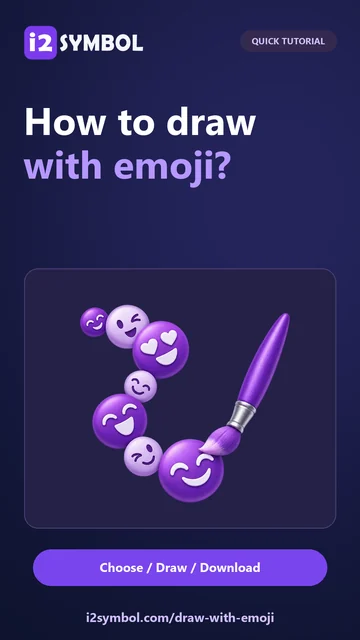
Choose the brush and tool
Open Draw with Emoji and select an emoji from its picker. Color and Theme offer mixed collections; a color collection selects related artwork rather than recoloring every emoji.
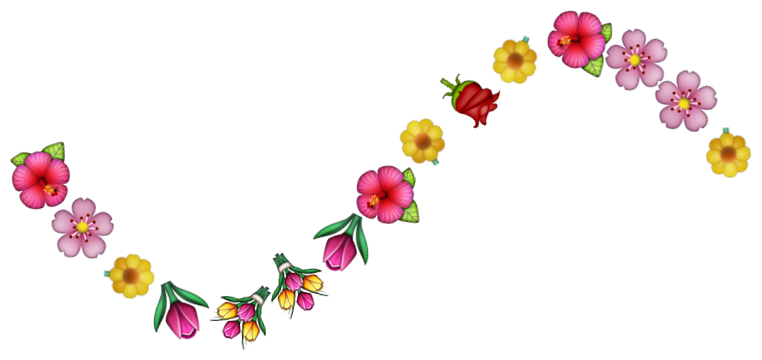
Choose a drawing tool for the marks you want to make. A freehand brush is a straightforward choice for a curved flower trail.
Set size and spacing
Adjust the brush Size and Spacing before drawing. Larger stamps make individual emoji more visible; closer spacing creates a continuous border, while wider spacing produces separate decorations.
Use the available Style options to change how stamps are arranged. Try a short test stroke, inspect it and undo it before drawing the final curve.
Draw and refine the picture
Drag across the canvas to draw. Use Undo, Redo or Eraser to refine the trail without starting the entire picture again.
Draw on Picture imports a visible background photo. Trace Picture provides a reference for drawing; use the corresponding controls deliberately rather than expecting both images to serve the same purpose.
Review canvas and download
Open Settings to review canvas dimensions, background and trimming before choosing Download PNG. Grid and Snap to grid can help when you want regularly placed stamps.
Inspect the downloaded image, especially the edges of the border. Keep enough empty space around the marks if the graphic will be placed beside text.
Small choices that help
Start with one emoji
A repeated flower or heart makes it easier to judge spacing before trying a mixed collection.
Leave room for the message
Draw the border around an open central area instead of filling the space needed for a greeting.
Useful questions
What does Snap to grid do?
It places a stamp at the center of the grid cell you select, which helps create evenly arranged patterns.
Can I draw over a photo?
Yes. Draw on Picture loads a photo as the visible image to draw on. Trace Picture is a separate reference workflow.
Are the downloaded marks editable text?
No. The PNG contains rendered emoji artwork. Keep a separate text message if you also need selectable words.