
Load a clear source image
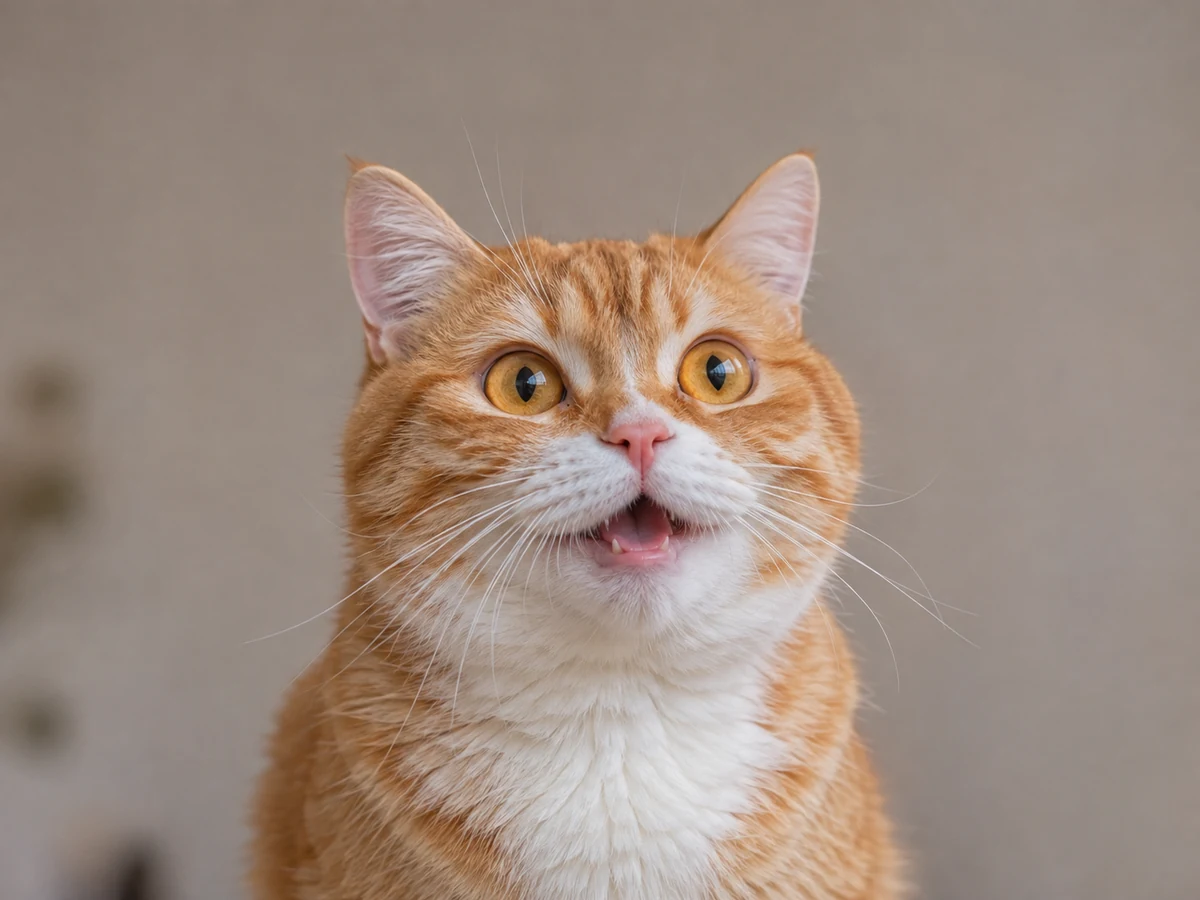
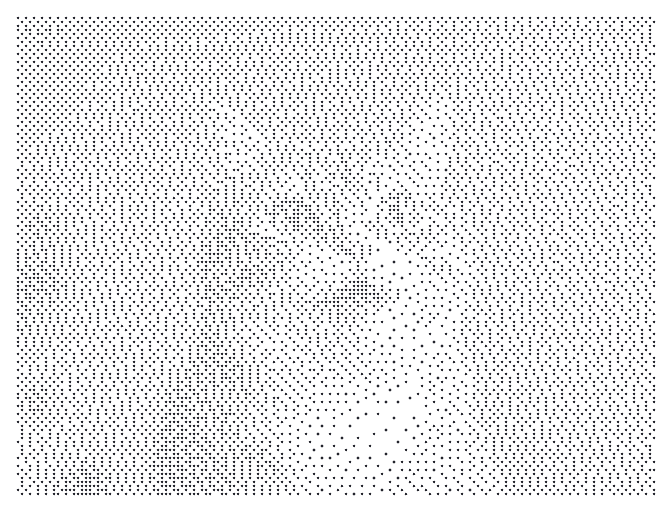
Open the tool with its built-in cat sample, or choose, drop or paste a supported image. Your image is decoded and processed in the browser rather than uploaded for conversion. The editor keeps a smaller working image for editing.
Look for strong separation between the subject and background. A crowded photo can become a field of dots with no obvious focal point. Rotate or flip the source if necessary before judging the converted result.
Choose Dot art or ASCII art
Dot art uses Braille characters with up to eight dots in each cell. ASCII art offers four shading ramps; Blocks includes Unicode shading characters. Copy and TXT keep the actual characters, not a screenshot of the preview.
Set the requested width from 30 to 200 columns. More columns can reveal detail but make the text wider. Tall images may use fewer effective columns to stay within the row and cell limits; the tool shows a warning when that happens.
Balance the tones
Adjust brightness and contrast while comparing the subject with its background. Invert swaps the light and dark interpretation. Dither spreads tone differences across neighboring cells and can help represent gradients in either mode.
Dot art also has a threshold for which samples become dots. Try small changes rather than moving every control at once. Transparent source areas are treated as white for conversion, so check logos or cutouts with large transparent regions carefully.
Choose text or an image export
Copy or download TXT when you need editable character art. The destination needs a suitable monospaced font and preserved line breaks. For a predictable colored image, select PNG; Paper, Accent, Night and custom ink/paper colors affect that image preview and export.
Save keeps an explicit named browser project with the normalized working image, settings and colors so it can be edited again. It does not retain the original full-size file or sync to an account. Keep your original photo and exported result separately.
Small choices that help
Match detail to the destination
A very detailed text image can be too wide for a message. Start around the example's 80 columns, then inspect the actual pasted result.
Use PNG when appearance matters most
A PNG preserves the rendered colors and layout. Copied text depends on the destination font, character support and line wrapping.
Useful questions
Is Dot art made from ordinary punctuation?
No. It uses Unicode Braille patterns, including a blank Braille cell. The copied result is real text containing those characters.
Does dither work only for Dot art?
No. Dither is available in both modes. The separate threshold control is specific to Dot art.
Does the converter crop a tall image to make it fit?
It resamples the whole image and may reduce the effective column count to respect its size limits. Extreme shapes can have an approximate aspect ratio, and the tool warns when it adjusts the result.