Draw the shape you remember
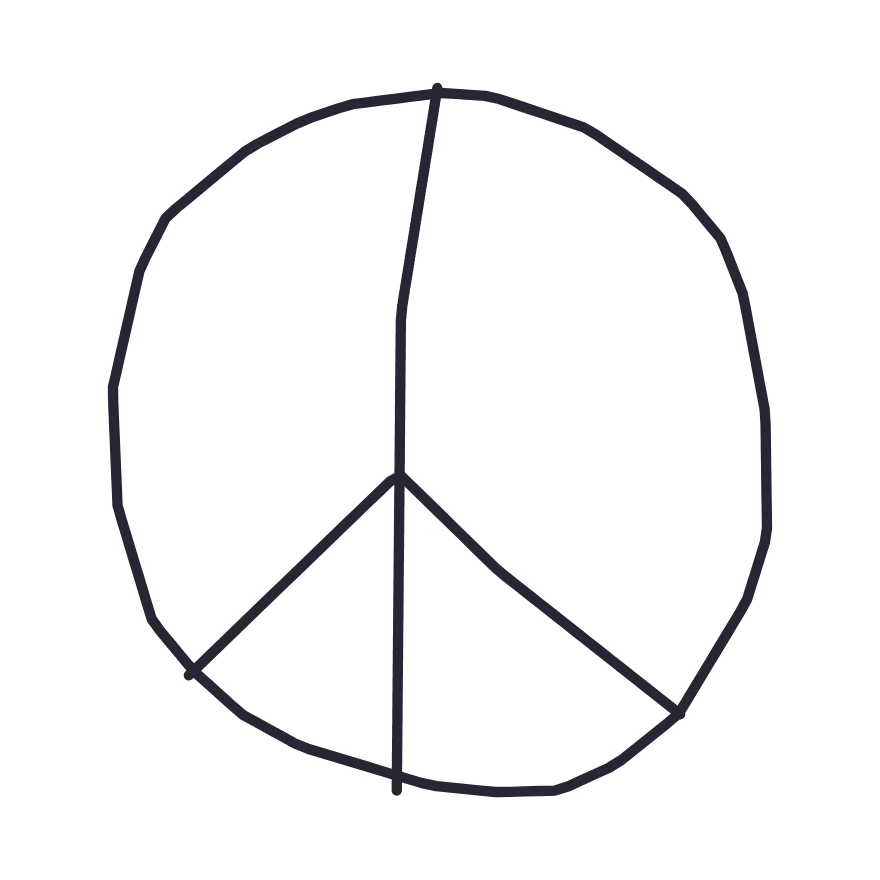
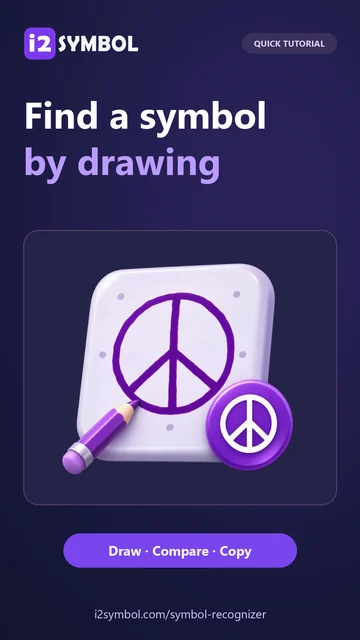
Open Symbol Recognizer and draw a circle on the pad with your mouse, finger, or pen. Add a vertical line from the top to the bottom of the circle. Starting near its center, draw two diagonals down to the rim. These inner lines distinguish the peace sign from several other circled symbols.
The matches update after each stroke. Finish the inner lines before judging the result. To follow along with the exact drawing shown here, choose the peace-sign sample instead.
Check the character behind the shape
In our example the closest match is ☮, the peace symbol, with the code U+262E beneath it. The character name helps you decide whether this is the sign you meant. The code point identifies it even when another font draws it differently.
If an alternative looks closer, select its card. The larger preview, name, and code all change to that character. You can return to the closest match without drawing again. On a phone, the link beneath the pad takes you straight to the matches.
Refine one detail if the match is off
Look for the detail that separates your mark from the suggestions. An arrowhead, a closed loop, or a dot beside a letter can change its identity. Use Undo to remove the last stroke and redraw just that detail. Redo restores a stroke if you preferred the earlier version.
Some letters from different writing systems have nearly identical outlines. If you know the script or remember where you saw the character, use that context and the character name to choose among the candidates.
Copy the symbol or its code point
Choose Copy symbol to put ☮ on the clipboard. Paste it into a message or document as ordinary text. To record its Unicode value, use the small copy control on the U+262E line instead. That puts the code itself on the clipboard.
Symbol info opens the existing i2Symbol page for the selected character. Use it when you need more information or want to save the character to your favorites in this browser.
Small choices that help
Keep one character on the pad
Draw a single symbol with all its strokes. For a word, clear the pad and identify each unfamiliar character separately.
Check the destination font
Paste the result into the app where you plan to use it. The same Unicode character can look different across devices and fonts.
Useful questions
Can I identify a symbol without knowing its name?
Yes. The recognizer searches its catalog by the shape you draw. If you already know the name, you can also search the symbol library directly.
Does my sketch get uploaded?
Recognition runs in your browser. The first sketch that needs matching loads the model onto your device, and the drawing stays there.
Which characters can it recognize?
The catalog covers 4,214 text characters from the Symbols, Alphanumeric, and Cool Letters collections. It includes mathematical signs, decorative symbols, and letters from multiple scripts. The Emoji Picker is the separate tool for browsing emoji.