Choose a montage template
Open Photo Montage and browse the available designs. Search when you have a subject or occasion in mind, then open a template for the full editor.
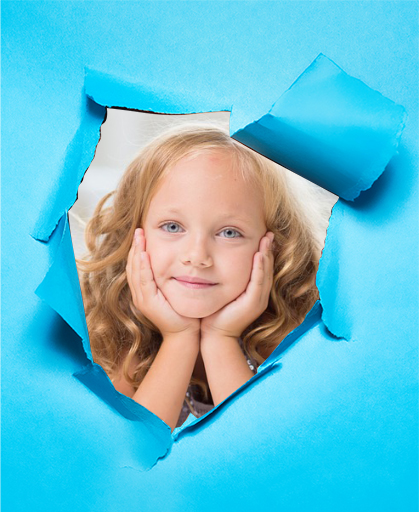
Inspect the number and shape of photo areas. A template with several openings needs a useful picture in each one, rather than leaving an accidental sample in the final design.
Replace every sample photo
Load a picture for each available Photo slot. Start with files that contain enough space around the subject to crop or reposition them inside the template.
The visible sample is a preview aid. Confirm that your own images have replaced it before preparing a result you plan to share.
Adjust the fit of each picture
Use Zoom and the horizontal and vertical position controls to align the active photo with its opening. Crop, rotate or flip the source when that better suits the design.
The template determines which portions remain visible. Check seams, faces and edges in the composed preview, and use Undo to recover an unsatisfactory move.
Download and review the montage
Choose PNG, JPG or WebP and Download image. Inspect the exported composition rather than relying only on a small preview.
Keep the original source photos. The export is a flattened image; it is not a replacement for the separate originals if you want to try another arrangement.
Small choices that help
Match the opening to the subject
A template is easier to use when its photo opening resembles the shape of your source picture.
Check all slots
Multi-photo designs can look complete even while one slot still contains the demonstration image.
Useful questions
Is the whole original photo always visible?
No. The template and photo position determine the visible area. Parts of a source may be cropped or covered.
Will downloading change my original photos?
No. Download creates a separate finished montage. Keep the original photos if you want to try another template or make a different crop.
Can I continue with another template?
Yes. The optional source-photo reuse setting can keep your photos for 12 hours in this browser; inspect and adjust the new composition separately.