Open a photo with a recognizable subject
Open Emoji Photo Mosaic Maker and choose Try sample, or upload your own PNG, JPG or still WebP. Files can be up to 20 MB and 20 megapixels. Processing happens in the browser, which creates a working photo up to 1,600 pixels on the long edge.
A clear subject with distinct colors is easier to recognize than a busy photo full of tiny objects. Use Photo to choose Original proportions or a Square, Portrait or Landscape crop. Move the crop with the position sliders when the subject is off-center.
Choose a collection and tile detail
Keep All emojis for the broadest selection of colors, or try Faces, Nature, Food or Love for a themed result. The matcher chooses from 655 pictorial emoji brushes; a smaller themed collection trades color variety for a more consistent subject.
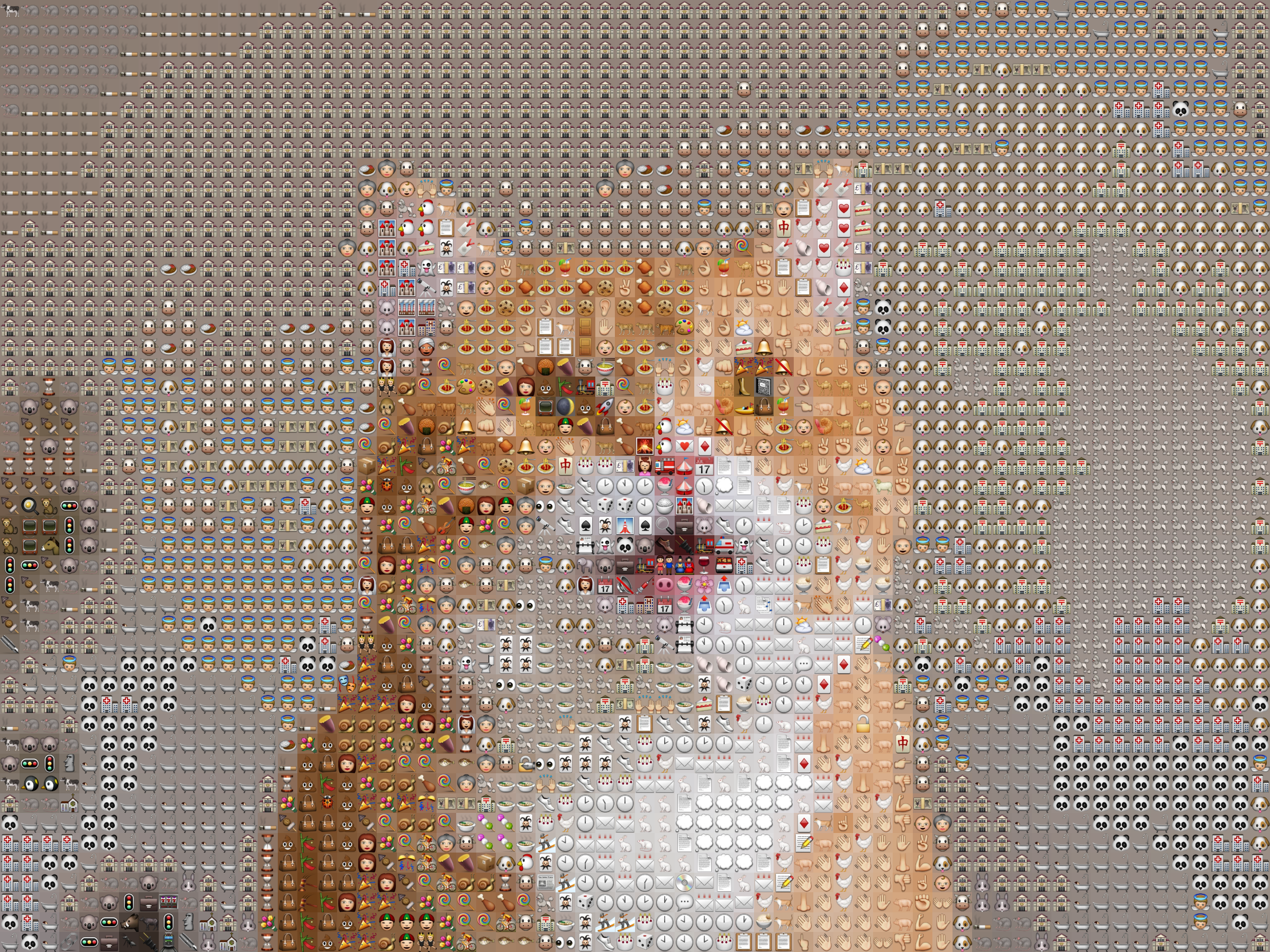
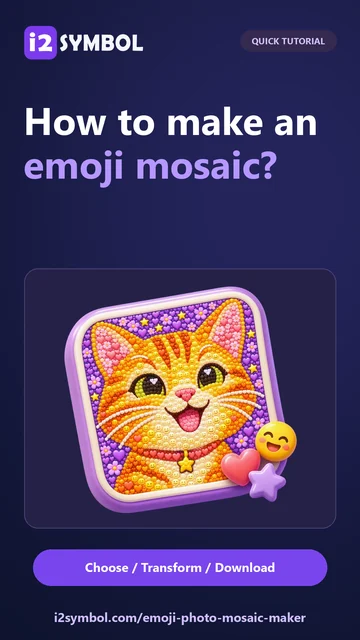
For the demonstrated cat mosaic, keep Mosaic detail at 64 columns. Move toward Bigger emojis when individual tiles matter most, or toward More detail when recognizing the whole photo matters more.
The control ranges from 24 to 120 columns. More columns do not add information to the original photo; they divide its existing detail into smaller pieces.
Separate photo overlay from tile backgrounds
Click Just emojis to set Photo clarity to zero. This removes the source-photo overlay. You are still using the photo to choose and color-match the tiles.
The example keeps Photo colors under Between the emojis. Each tile therefore has a background sampled from the photo. To place the emoji over one uniform background instead, switch to Solid color and choose a color.
Adjust Emoji size if the tiles need more breathing room. Brightness and Contrast affect the working photo used for matching. Use the original/mosaic comparison, then zoom in and back out to judge both the tiny artwork and the complete picture.
Export the mosaic and save a reusable project
Select PNG and 2400 px, then Download. The verified sample export is 2,400 × 1,800 pixels. The selected value controls the long edge; the second dimension follows the crop proportions.
JPG and WebP are also available, with long-edge sizes of 1,600, 2,400 or 4,096 pixels. The comparison slider is only a preview aid: the exported file contains the finished mosaic, not the comparison view.
Save keeps the working photo and settings in this browser. Save a copy makes a separate version. Download project creates a self-contained editable backup; Open accepts supported project files up to 8 MiB. Clearing site data removes browser projects, so keep a downloaded backup for later.
Small choices that help
Check the mosaic from a distance
A mosaic can look abstract when enlarged. Judge recognition at the size where you expect people to view the complete image.
Use fewer columns for visible emoji
If the tiles are too small to recognize, lower Mosaic detail and accept a simpler version of the source photo.
Useful questions
Is an emoji mosaic copyable text?
No. This tool exports an image made from emoji artwork. Use Text to Emoji Art when you want a copyable Unicode text design.
Why is some of my photo still visible after Just emojis?
Just emojis removes the overlay. Photo colors can still provide sampled backgrounds behind each tile. Switch that setting to Solid color for one uniform background.
Does increasing download size add more emoji?
No. Mosaic detail controls the tile layout. Download size changes the image resolution of that existing arrangement.
Can I change the photo later?
Yes. Replace photo changes the source, and an editable project preserves the working photo and settings for later sessions.